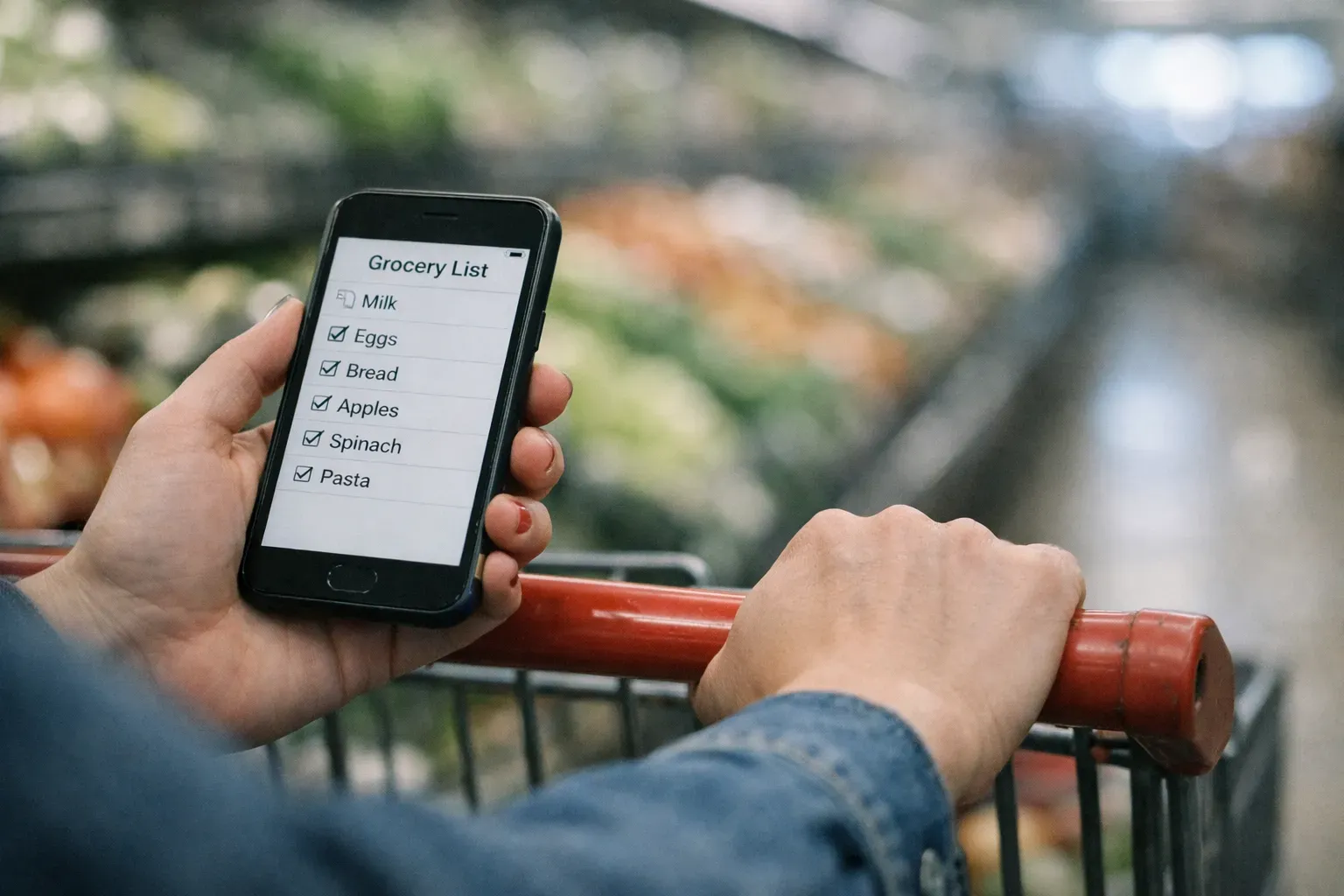
Organizing your grocery list by store aisle cuts the average shopping trip from 40 minutes to 25 minutes. Instead of zigzagging across the store hunting for items, you move systematically through each section once, checking off items as you go. This approach prevents forgotten items, reduces impulse purchases, and eliminates the frustration of backtracking.
Key Takeaways
- Organizing your grocery list by aisle saves 15+ minutes per trip and reduces impulse spending by 15-20%
- Spend 10 minutes mapping your store’s layout once, then reuse that template every week
- Organize by category (produce, dairy, etc.) rather than aisle numbers so your list works at any store
- Combine aisle-organized lists with meal planning to eliminate the mental load of figuring out what to buy
- Check your pantry and fridge before shopping to avoid buying duplicates
In This Article
- Why Aisle Organization Saves Time
- Standard Grocery Store Layout
- Free Grocery List Template Organized by Aisle
- How to Learn Your Store’s Layout
- Digital vs. Paper Lists
- Tips for Shopping Efficiently With Your Organized List
- Organizing Your List by Meal Plan
- Common Mistakes to Avoid
- FAQ
- Make Shopping Feel Effortless
Why Aisle Organization Saves Time
Most people write grocery lists in random order — whatever comes to mind goes on the list. This creates chaos in the store.
The problem with random lists:
- You walk past the same aisle three times because items are scattered
- You forget items and have to circle back
- You spend mental energy remembering what’s left on the list
- Shopping trips take 40+ minutes for a standard weekly shop
The solution with aisle-organized lists:
- You enter each aisle once and grab everything you need
- The list flows in the same direction you walk through the store
- You know exactly where you are in the shopping process
- Shopping trips drop to 20-30 minutes for the same amount of items
Research shows that organized shoppers also spend 15-20% less because they’re not wandering and grabbing impulse items they don’t need.
Standard Grocery Store Layout
Most major grocery stores (Kroger, Safeway, Target, Whole Foods, etc.) follow a similar layout. Understanding this layout is the key to organizing your list effectively.
Perimeter Sections (Outer Edges of Store)
1. Produce — Usually the first section you encounter when entering. Fruits, vegetables, fresh herbs.
2. Bakery — Fresh bread, bagels, pastries. Often near produce.
3. Deli/Prepared Foods — Sliced meats, cheese, rotisserie chicken, pre-made meals.
4. Meat & Seafood — Fresh and packaged meats, fish, seafood counter.
5. Dairy — Milk, eggs, yogurt, butter, cheese. Usually along the back wall.
6. Frozen Foods — Frozen vegetables, meals, ice cream, pizza. Often along the back or side wall.
Center Aisles (Interior Sections)
These vary by store, but the general order is:
7. Dry Goods & Grains — Pasta, rice, beans, cereal, oatmeal.
8. Canned Goods — Canned vegetables, beans, tomatoes, soups, broths.
9. Condiments & Sauces — Ketchup, mayo, salad dressing, soy sauce, hot sauce.
10. Baking Supplies — Flour, sugar, baking soda, chocolate chips, spices.
11. Snacks — Chips, crackers, cookies, nuts, granola bars.
12. Beverages — Juice, soda, coffee, tea, bottled water.
13. Health & Personal Care — Vitamins, pain relievers, bandages, sometimes near pharmacy.
14. Household Items — Cleaning supplies, paper towels, trash bags, laundry detergent.
Checkout Area — Impulse items like candy, magazines, gum.
Free Grocery List Template Organized by Aisle
Here’s a ready-to-use template you can copy and customize based on your store’s specific layout:
Printable Aisle-Organized Template
─── PRODUCE ───
☐ _________________
☐ _________________
☐ _________________
☐ _________________

─── BAKERY ───
☐ _________________
☐ _________________

─── DELI ───
☐ _________________
☐ _________________

─── MEAT & SEAFOOD ───
☐ _________________
☐ _________________

─── DAIRY ───
☐ _________________
☐ _________________
☐ _________________

─── FROZEN ───
☐ _________________
☐ _________________

─── DRY GOODS & GRAINS ───
☐ _________________
☐ _________________
☐ _________________

─── CANNED GOODS ───
☐ _________________
☐ _________________

─── CONDIMENTS & SAUCES ───
☐ _________________
☐ _________________

─── BAKING ───
☐ _________________
☐ _________________

─── SNACKS ───
☐ _________________
☐ _________________

─── BEVERAGES ───
☐ _________________
☐ _________________

─── HOUSEHOLD ───
☐ _________________
☐ _________________
For a complete list of healthy grocery staples to add to this template, check out our Grocery List Template for Healthy Eating.
How to Learn Your Store’s Layout
Every store is slightly different. Here’s how to customize your list to match your primary grocery store:
The One-Time Mapping Walk
Spend 10 minutes on your next trip observing the store flow:
- Start at the entrance. Note which section comes first (usually produce).
- Walk the perimeter. Notice the order: produce → bakery → deli → meat → dairy → frozen.
- Walk each center aisle. Make a quick note of what’s in each numbered aisle. Most stores have aisle signs.
- Snap a photo of the aisle directory (usually posted near the entrance or customer service).
Create Your Personalized Template
Once you know your store’s layout, reorder the template above to match:
- If your store puts dairy before frozen, swap those sections on your list
- If bakery comes after deli, adjust accordingly
- Add or remove categories based on what your store has (some stores have separate international aisles, bulk sections, etc.)
Save this customized template on your phone or print several copies to keep in your kitchen.
Digital vs. Paper Lists
Both have advantages. Choose based on your preference:
Paper Lists
Pros:
- No phone battery needed
- Easy to hand to a partner or kid to help shop
- Satisfying to physically cross off items
- No distractions from notifications
Cons:
- Easy to forget at home
- Can’t add items on the go
- Have to rewrite the template each week
Best for: People who prefer tangible checklists and do all their planning at home.
Digital Lists
Pros:
- Always with you (on your phone)
- Easy to add items throughout the week
- Can share with family members in real-time
- Some apps auto-organize by aisle
Cons:
- Requires charged phone
- Can be distracting in the store
- May require switching between apps
Best for: People who prefer technology and add items to the list throughout the week.
Recommended apps with aisle organization:
- AnyList — Lets you customize store layouts and auto-sorts items by aisle
- Out of Milk — Free app with aisle organization feature
- Cozi — Family organizer with shared grocery lists
- Tavola — Automatically generates organized shopping lists from your meal plan
For more tips on avoiding common mistakes, check out our guide on 10 Grocery Shopping Mistakes That Are Wasting Your Money.
Tips for Shopping Efficiently With Your Organized List
Having an organized list is step one. Here are strategies to maximize your efficiency in the store:
Before You Shop
Check your pantry and fridge first. Cross off anything you already have to avoid duplicates.
Group similar items together. If you need three types of canned beans, write them together in the canned goods section.
Note quantities. Instead of “apples,” write “apples (5)” so you’re not deciding in the store.
Stick to one store when possible. The more familiar you are with a store’s layout, the faster you’ll shop.
While You Shop
Follow the list in order. Don’t skip ahead even if you “remember” something in a later aisle. Trust your list.
Shop perimeter first, center aisles second. Perishables (produce, meat, dairy) stay fresher if you grab them early and checkout soon after.
Avoid backtracking. If you forgot something, ask yourself if it’s truly essential. Often it’s not worth the extra time.
Use the self-checkout for small trips. If you have fewer than 15 items, self-checkout is usually faster.
Shop during off-peak hours. Early mornings (7-9 AM) or weeknights (after 7 PM) have fewer crowds and shorter checkout lines.
Organizing Your List by Meal Plan
If you meal plan, organizing your grocery list becomes even easier because you’re not randomly adding items — you’re pulling directly from your planned recipes.
The Flow: Meal Plan → Organized Grocery List
- Plan your meals for the week (see our Beginner’s Guide to Meal Planning)
- Write down all ingredients needed for those meals
- Organize ingredients by store section using your template
- Check pantry and cross off what you already have
- Shop once for the entire week
This approach eliminates the mental load of figuring out what to buy. You’re simply executing a plan.
Pro tip: Apps like Tavola automatically generate aisle-organized shopping lists from your meal plan, skipping steps 2-3 entirely.
Common Mistakes to Avoid
Writing Items as You Think of Them
This creates a random list that forces you to zigzag through the store. Always reorganize before shopping.
Not Checking What You Already Have
Buying duplicate items wastes money and pantry space. Always check your fridge, freezer, and pantry before shopping.
Shopping Hungry
Research shows hungry shoppers spend 15-20% more and make more impulse purchases. Eat before you shop or bring a snack.
Bringing the Whole Family
If possible, shop alone or with one helper. More people = more distractions, requests, and impulse buys.
Ignoring Store Sales
If your store has a weekly ad, review it before making your list. Adjust your meal plan to take advantage of discounted proteins or produce.
For a comprehensive list of must-have staples to always keep on hand, see our Pantry Staples Checklist.
FAQ
How do I organize my list if I shop at multiple stores?
Create separate lists for each store. For example, if you go to Costco for bulk items and a regular grocery store for fresh produce, make a “Costco list” and a “Grocery Store list,” each organized by that store’s specific layout.
What if my store rearranges aisles?
Stores occasionally remodel or change layouts. When this happens, do another quick mapping walk to update your template. It usually only takes 5-10 minutes.
Should I organize by aisle numbers or by category?
Organize by category (produce, dairy, etc.) rather than specific aisle numbers. Aisle numbers change, but categories remain consistent. Plus, category-based lists work at any store, not just your primary one.
Can I use this system for online grocery shopping?
Yes, but it’s less critical since you’re not physically walking the store. However, organizing your digital cart by category still helps you spot missing items and review your order before checkout.
What about items that don’t fit neatly into categories?
Create a “Miscellaneous” section at the end of your list for items like birthday cards, batteries, or seasonal items. These are usually near checkout or in random endcaps anyway.
Make Shopping Feel Effortless
An organized grocery list transforms shopping from a frustrating chore into a quick, efficient task. Once you’ve customized your template to match your store’s layout, you’ll wonder how you ever shopped any other way.
Tavola helps busy families streamline meal planning and grocery shopping so you spend less time wandering the aisles and more time around the table — because your time matters, and every family meal is worth preserving.
Start this week: print the template above, customize it during your next shopping trip, and watch your grocery time drop by 15+ minutes.