



End the 5 PM meal panic. The meal planner app that uses your recipes.

Save recipes from anywhere. Plan your week. Get a shopping list that writes itself.

Free to download · No ads · iOS & Android

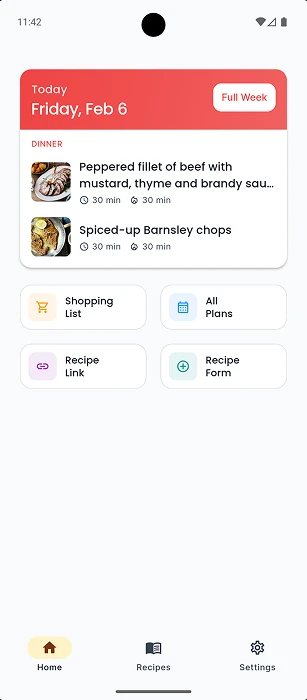
Tavola meal planner app home screen showing recipe collection and quick actions
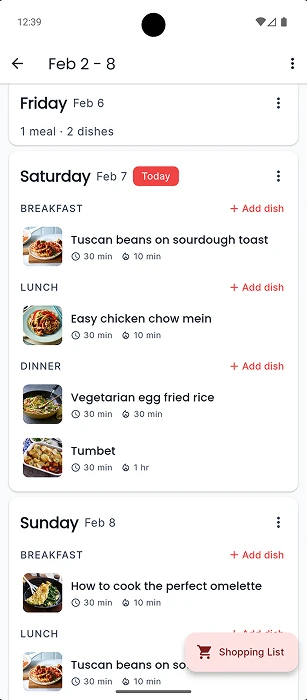
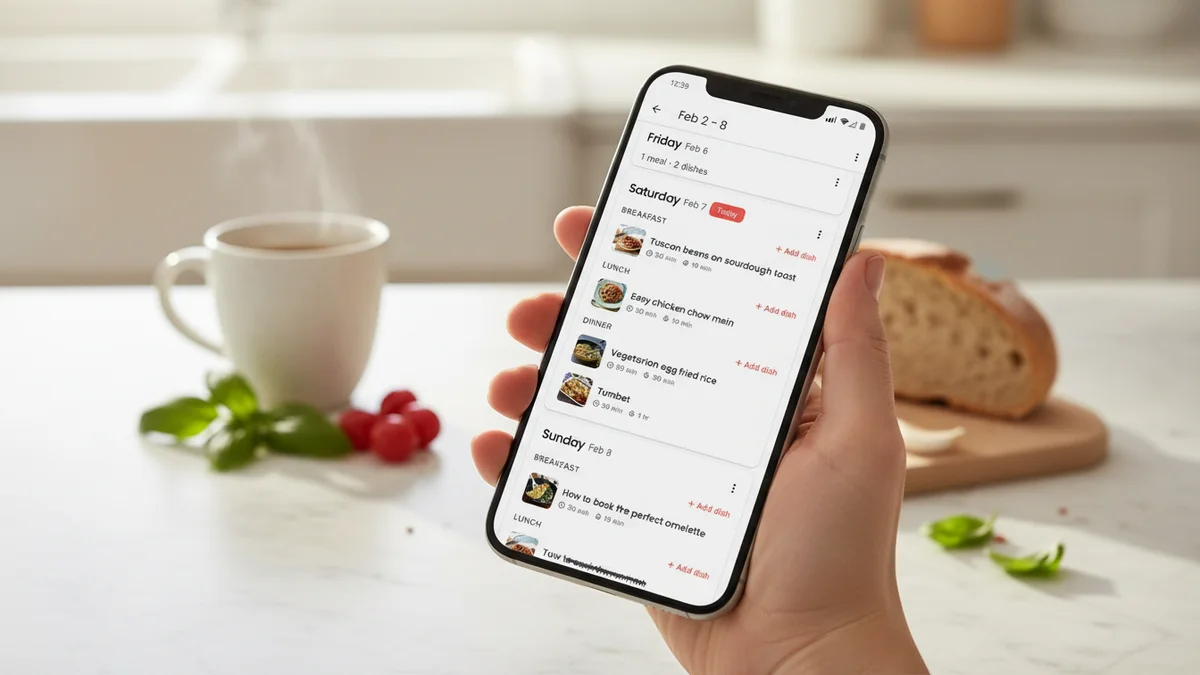
Tavola weekly meal plan view showing dinner schedule for the week
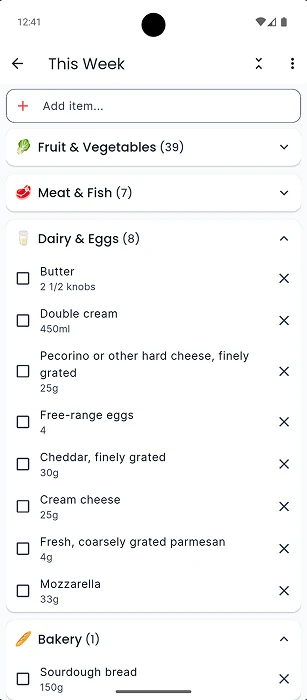
Tavola auto-generated grocery shopping list organised by category from meal plan

Your all-in-one meal planner app

Import recipes from websites or photos, create weekly meal plans, and get a grocery shopping list sorted by category — all in one place.

Hand holding a phone showing the Tavola recipe collection in a cozy kitchen, an open cookbook and recipe card nearby

01 · Your recipes

Save your recipes

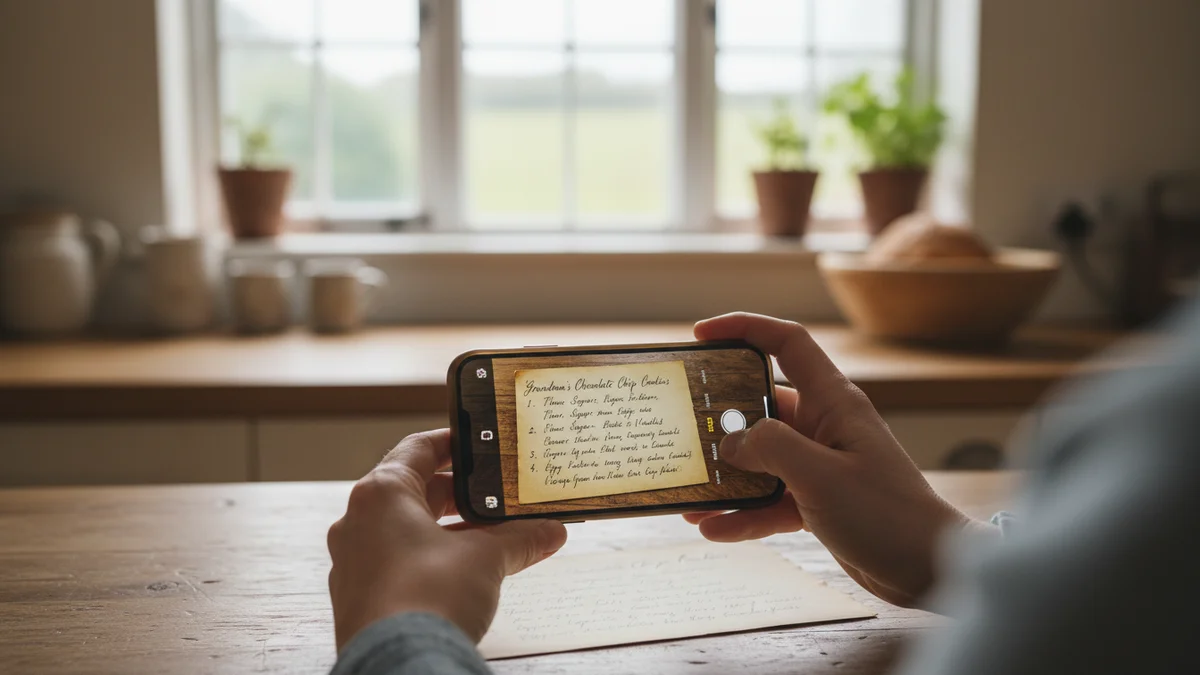
That recipe scribbled on a napkin? Grandma's famous lasagne? Snap a photo, paste a link, or type it in — your whole cookbook lives in your pocket now.

Hand holding phone showing Tavola weekly meal plan in a bright kitchen

02 · Meal planning

Plan your week

No more staring into the fridge at 5 PM. Fill your week with meals you love, and dinner is decided before Monday morning coffee.

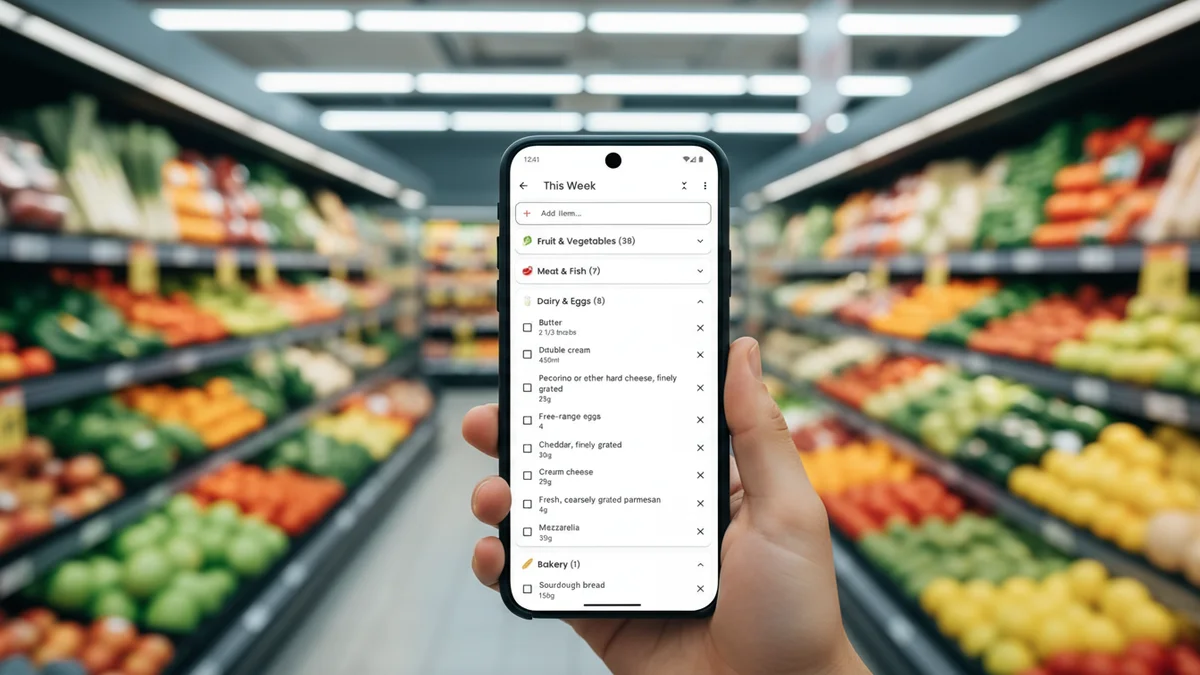
Hand holding phone showing Tavola shopping list in a supermarket produce aisle

03 · Shopping

Shop smarter

Your grocery list writes itself — sorted by aisle, ingredients combined across meals. Walk in, tick it off, walk out. No forgotten items, no wasted food.

New · guided setup

Your first week, planned in minutes

No blank-page feeling. Tavola's guided setup asks a few gentle questions and builds your first week of dinners for you — so you can start cooking, not configuring.

  • 1

    Tell us the cuisines you love and any dietary needs.

  • 2

    Pick your household size and which days you cook.

  • 3

    Sign in, and your first week of dinners is ready and waiting.

Explore the cottagecore theme

What Tavola makes possible

End the Sunday scramble

Planning a week of dinners takes a couple of minutes instead of an hour — so the weekend stays the weekend.

Built around your recipes

Tavola plans with the meals you already love — the family bolognese, the weeknight favourites — never random AI suggestions.

In and out of the shop

Your grocery list is sorted by aisle and combined across meals, so you tick things off and leave — no wandering, no forgotten items.

A home for handwritten recipes

Snap a photo of a handwritten card or a cookbook page and Tavola saves it — your family recipes, all in one place.

Less food waste

When you only buy what the week actually needs, less sits in the fridge going off — and less money ends up in the bin.

Meal planning that sticks

Because it works with what you already cook, it becomes a habit instead of another abandoned app.

Frequently Asked Questions

Is Tavola free to use?

Yes! Tavola is free to download and use. You can save recipes, create meal plans, and generate shopping lists at no cost. Tavola Pro unlocks extra features like advanced nutritional insights and more.

How do I get started if I don't have any recipes yet?

You don't need any recipes to begin. When you first open Tavola, a short guided setup asks about the cuisines you enjoy, any dietary needs, your household size, and which days you cook — and your first week of dinners is ready the moment you sign in. You can add your own recipes anytime afterwards.

Can I change how Tavola looks?

Yes. Tavola comes with two themes: a clean, classic look, and a warm, cottagecore-inspired theme with hand-painted watercolour touches. Pick whichever feels like home in Settings — it's the same Tavola underneath, so all your recipes and plans stay exactly as they are.

How does meal planning work in Tavola?

Pick the recipes you want to cook, drop them into your weekly planner, and Tavola builds your shopping list automatically. You choose every meal — Tavola just makes the organising effortless.

How do I add recipes to Tavola?

Snap a photo of a handwritten recipe card, a page from a cookbook, or even a social media post with ingredients and steps — Tavola reads it and saves everything for you. You can also paste a URL or type it in manually. However you collect recipes, they all end up in one place.

Does Tavola work for families?

Yes. Tavola adjusts serving sizes across your meal plan so your shopping list matches exactly how many people you're feeding. No more guessing quantities or buying too much.

What makes Tavola different from other meal planners?

Recipes are more than instructions — they're childhood memories, family traditions, and the flavours that make a house feel like home. Most meal planners push AI-generated recipes from a database. Tavola never does that. We don't generate recipes, suggest replacements, or tell you what to cook. Your recipes are yours. We simply give you the tools to organise what you already love and plan your week around it.

Is Tavola available on iPhone and Android?

Yes, Tavola is available on both the Apple App Store for iPhone and Google Play for Android devices. Download it free today.

Tavola mascot

Ready to end the "what's for dinner?" panic?

Download Tavola free and start planning smarter meals today. Your recipes. Your meal plans. Zero stress.